When I wrote my first Instagram Quick Tip article, I assumed that everyone was taking their own yoga photos with a self-timer. It has come to my attention that my assumption was incorrect, and it’s probably worthwhile to start at the beginning for any newcomers to Instagram.
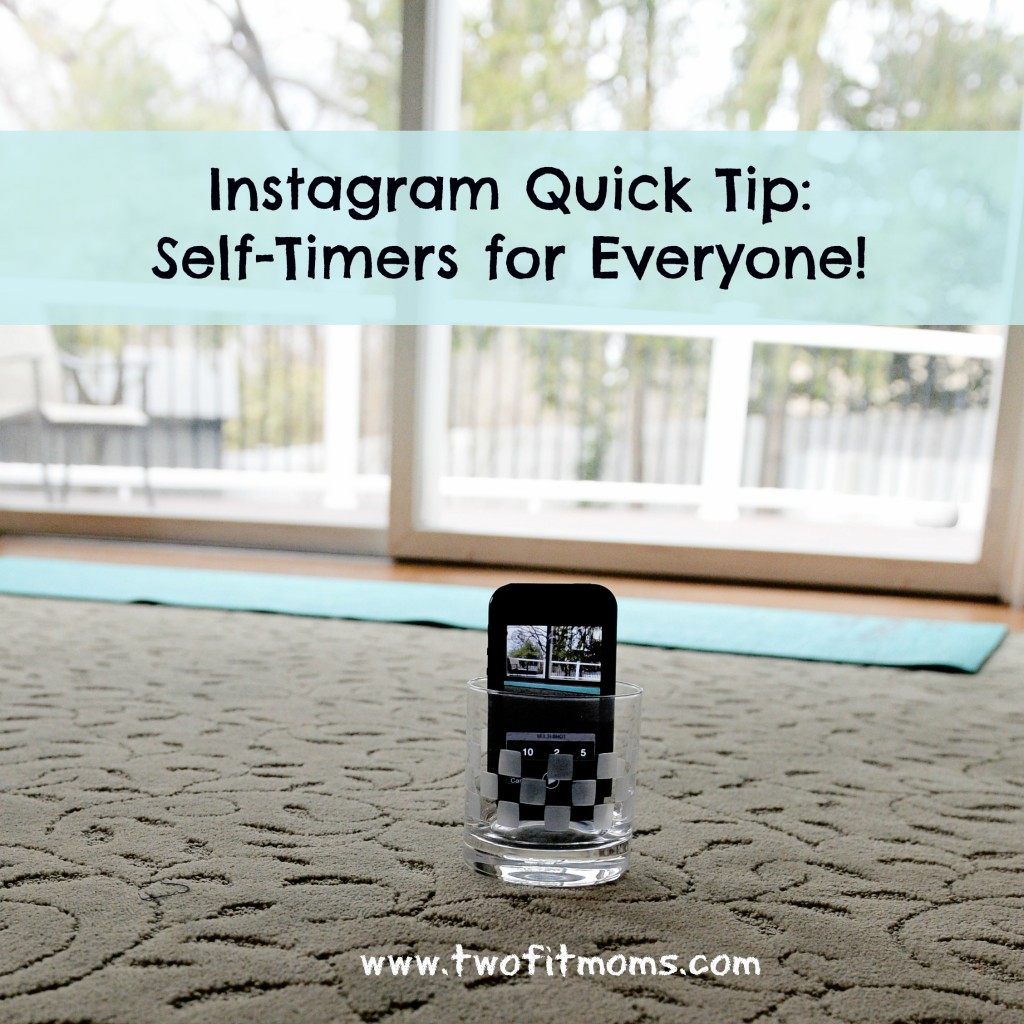
If you are wondering who takes my yoga photos, the answer is me.
I take the vast majority of my photos using the interval timer function on my Nikon DSLR camera. I set my timer to automatically take a photograph every one to two seconds while I get into various poses on my mat. While it is wonderful to have a Nikon with a self-timer, it is unnecessary! Even if the only camera you own is the one that is part of your smart phone, you can take your own yoga self-portraits with an interval timer that you can download from the App Store.
On my iPhone, I use a free app called “Camera Timer”. I’m sure there are multiple interval timer apps available for either iPhone or android, so if you cannot find the specific app called “Camera Timer”, don’t panic.
Once you download the Camera Timer app, you will see that you have a single shot option or a multi shot option. I use the multi shot option every time. Why would you ever take one photo when you can take five?
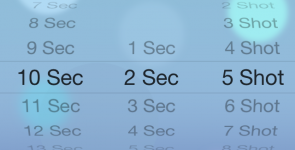
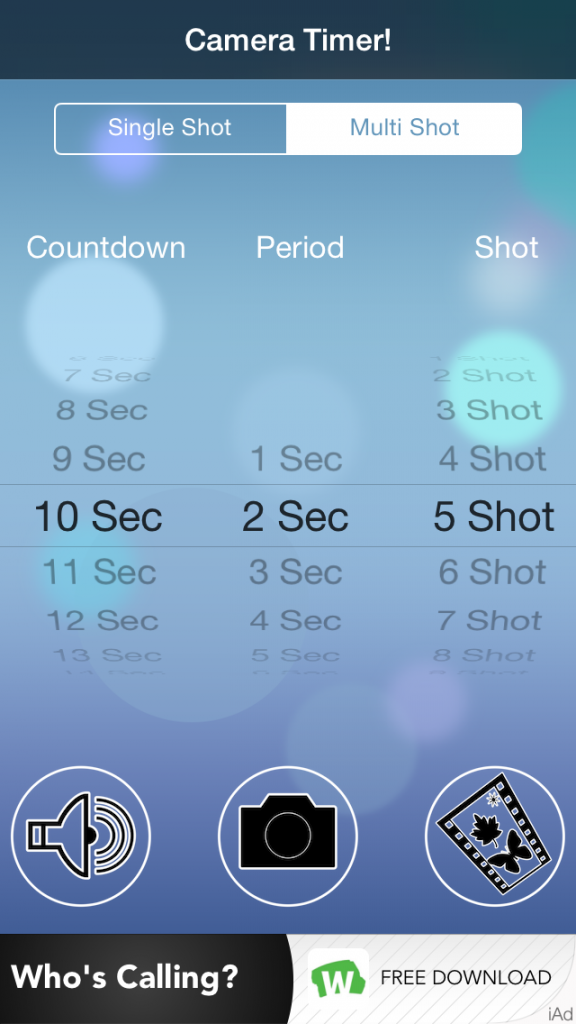 First, set your “countdown”, which is the amount of time that you think you need to get from your phone to your yoga mat and get into your first pose. You might need anywhere between 10 and 20 seconds. Play around with this number. You can also set your “period”, which is the length of time between photos. I prefer two seconds between shots. Finally, you can decide on how many photos you’d like the camera to take. Five photos always seems like a good number to me. Once you set your “countdown”, “period” and “shot”, you are ready to go. Place your phone into a short glass (as explained in my first Instagram Quick Tip article) , and start your timer!


Leave a Reply