Here’s another fun and simple app that I like to use from time to time: Color Splash. This app converts your color photo into a black and white photo, and then allows you to manually add splashes of color back into your image.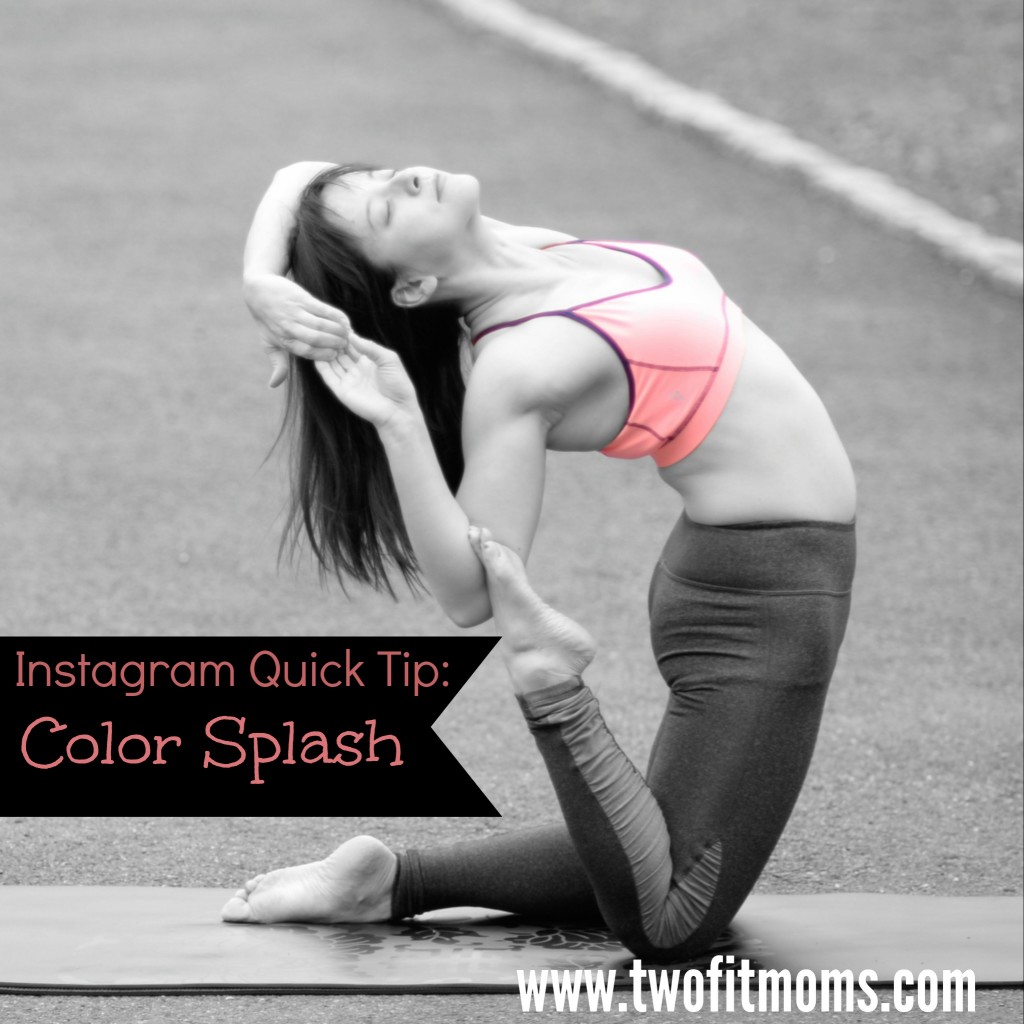
When would you use such an app? I find it most effective in two cases. First, your image contains a bright pop of color that you want to accentuate. Second, the bright pop of color in the full color version of your photograph is getting lost amongst many other colors in the photo.
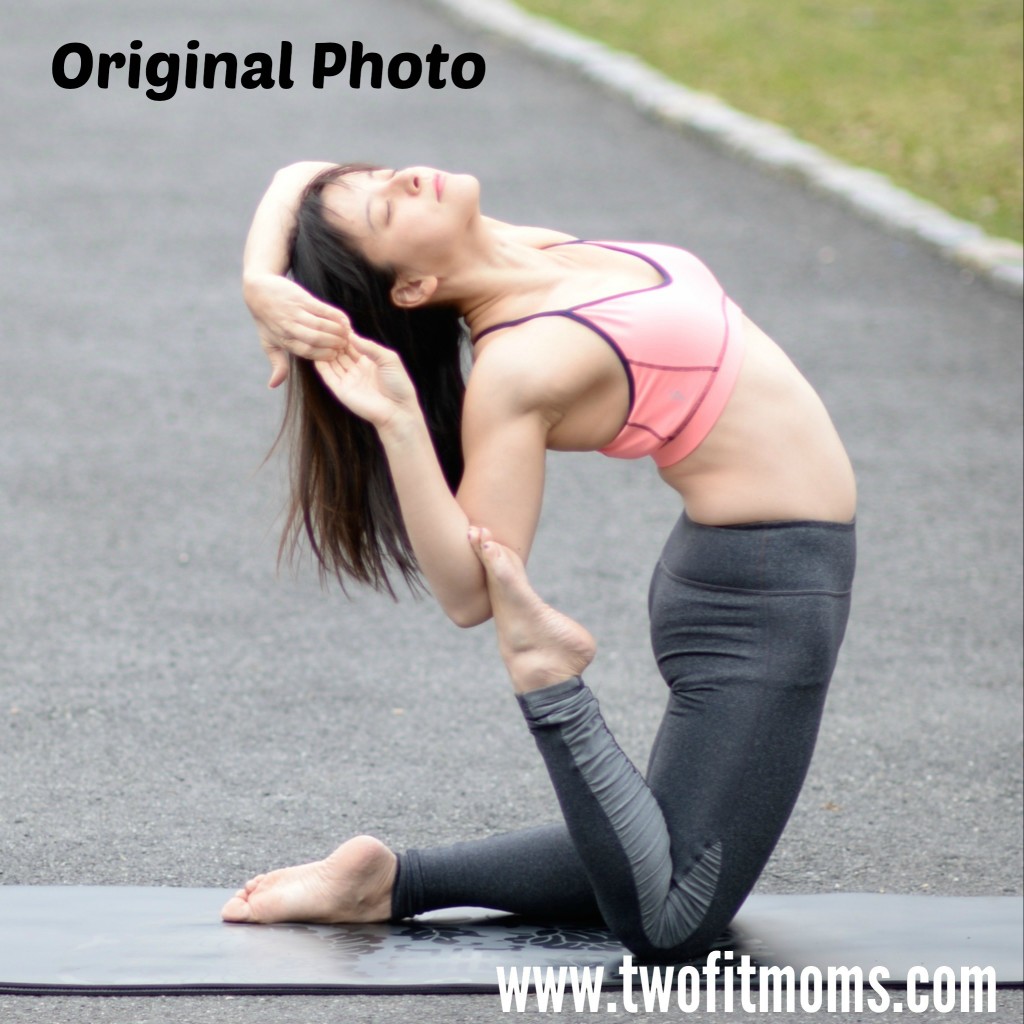 Take a look at my original photo. It’s fine as is, but the bright pink color of my top is competing with the green grass in the background. By converting the entire image to black and white, I can remove the background noise and focus on my clothing.
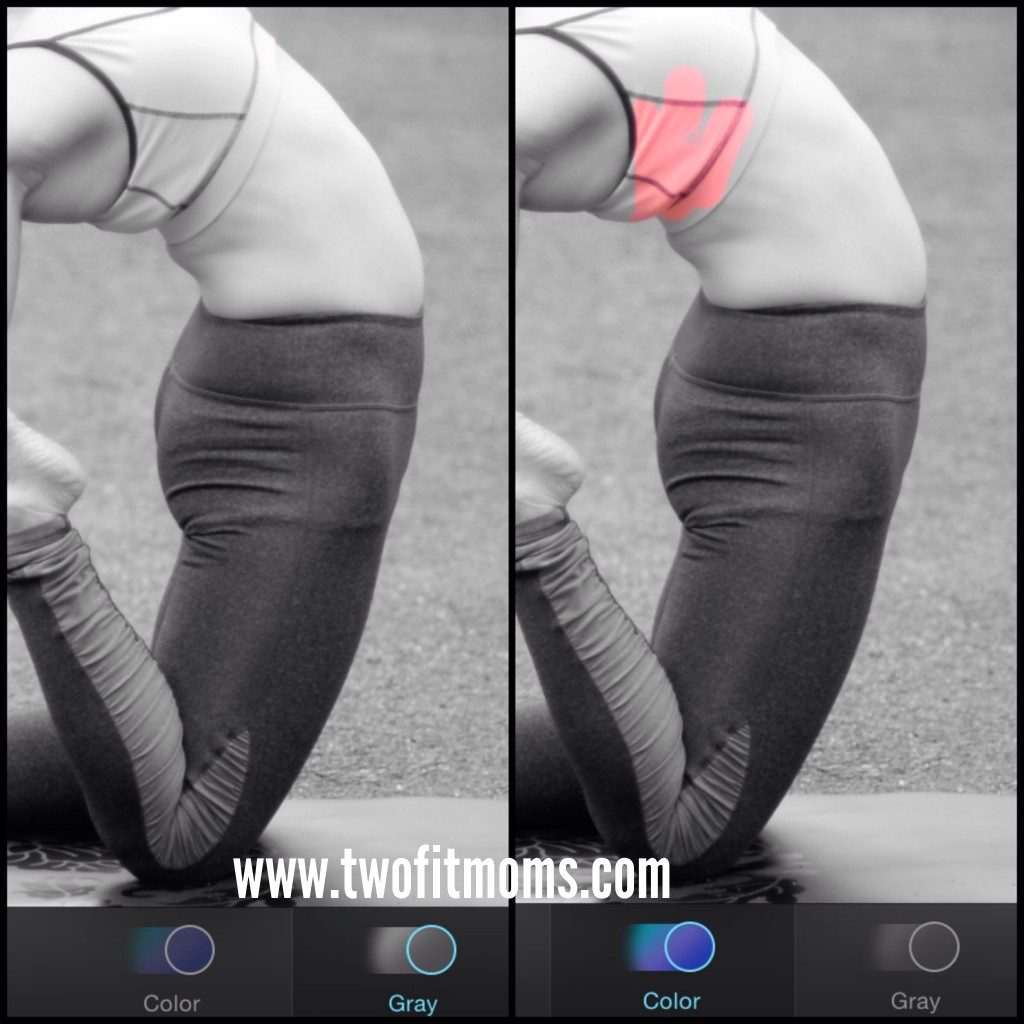
The app itself is quite easy to use. Once your photo is loaded into the program, it automatically becomes a black and white image. Click on the “color” button, as shown on the bottom of each photo below. Enlarge the image and begin adding color to the photo with swipes of your finger. If you make a mistake, click on the “gray” button to erase the misplaced color. The final effect is a dramatic image with a bright splash of color exactly where you want it.
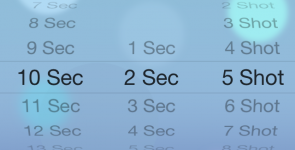
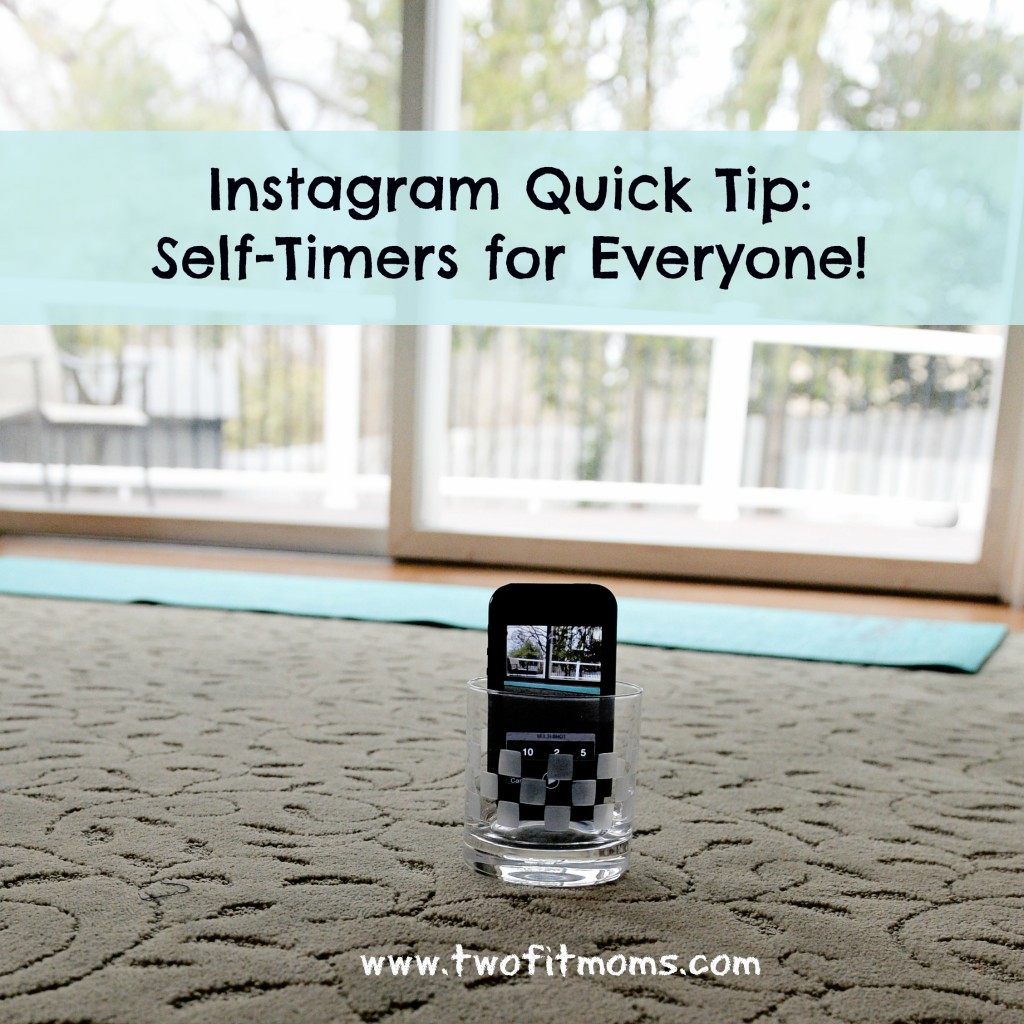
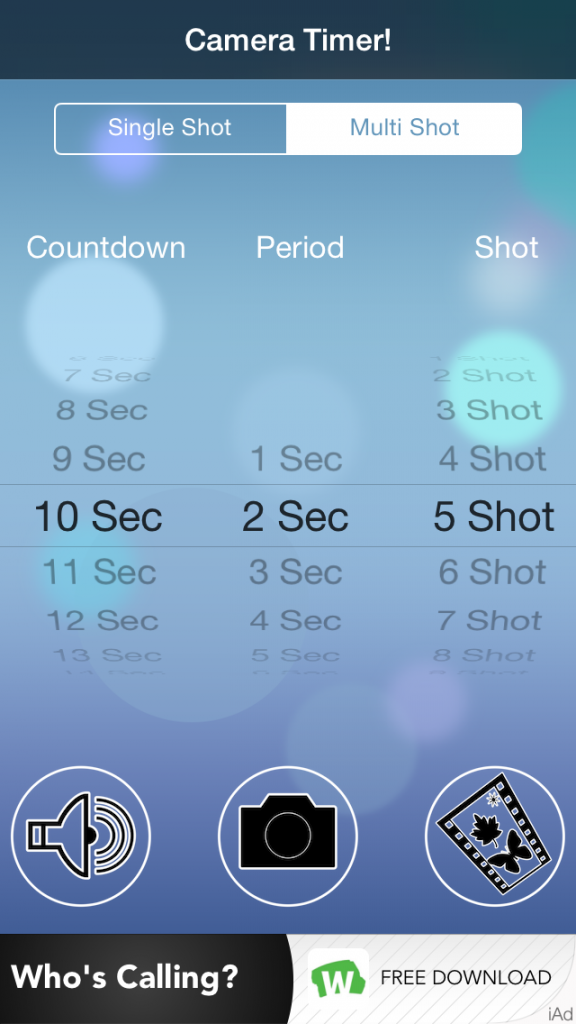 First, set your “countdown”, which is the amount of time that you think you need to get from your phone to your yoga mat and get into your first pose. You might need anywhere between 10 and 20 seconds. Play around with this number. You can also set your “period”, which is the length of time between photos. I prefer two seconds between shots. Finally, you can decide on how many photos you’d like the camera to take. Five photos always seems like a good number to me. Once you set your “countdown”, “period” and “shot”, you are ready to go. Place your phone into a short glass (as explained in my first